What you'll learn
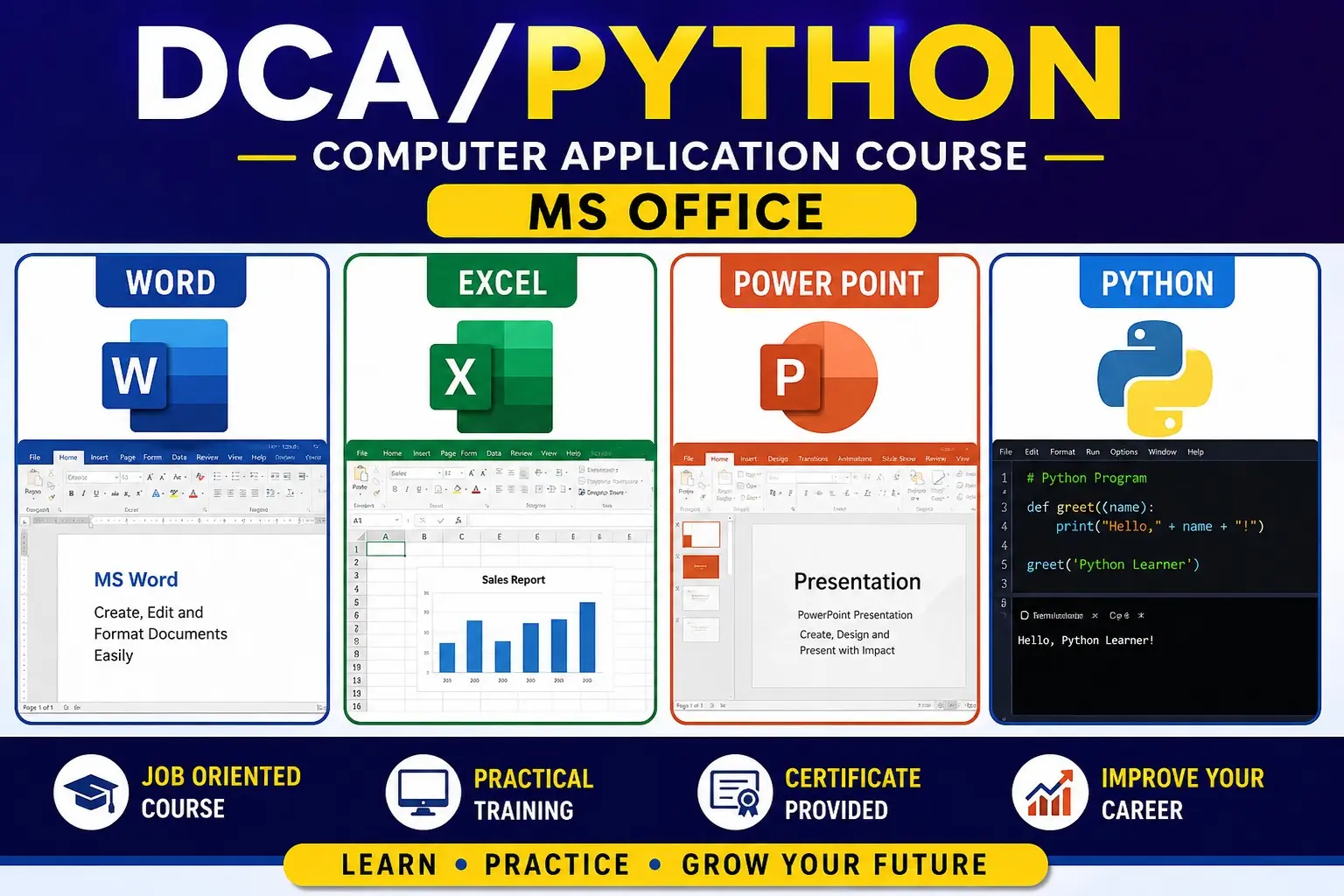
. MS OFFICE
Course Description
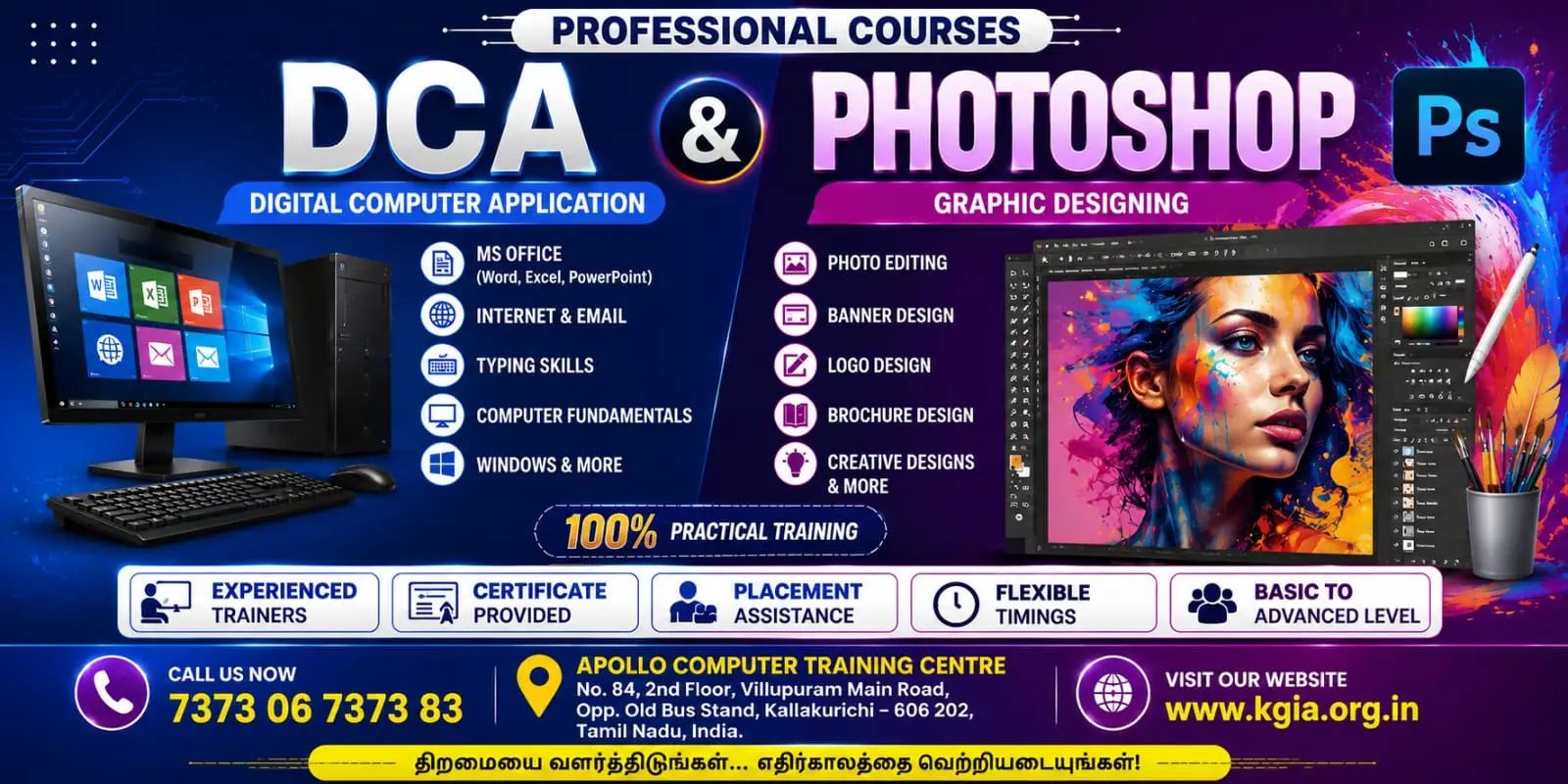
MS Office is a practical computer application course designed to develop essential office automation and digital workplace skills. Students learn to create professional documents, manage data and calculations, prepare presentations, and perform common office tasks using Microsoft Word, Excel, and PowerPoint.
Modules
Module 1 – Computer Fundamentals
- Introduction to computers
- Hardware and software
- Operating system basics
- File and folder management
- Internet and email basics
Module 2 – MS Word
- Creating and formatting documents
- Font and paragraph formatting
- Page setup and layouts
- Tables and tabulation
- Headers and footers
- Page numbers
- Images, shapes and SmartArt
- Mail Merge
- Printing and PDF conversion
Module 3 – MS Excel
- Excel interface and worksheets
- Data entry and formatting
- Formulas and functions
- SUM, AVERAGE, COUNT, MAX, MIN
- IF and logical functions
- Sorting and filtering
- Charts and graphs
- Basic data analysis
- Page setup and printing
Module 4 – MS PowerPoint
- Creating presentations
- Slide layouts and themes
- Text and image formatting
- Tables, charts and SmartArt
- Transitions and animations
- Audio and video
- Presentation design
- Slide show and presentation techniques
Job Roles
- Computer Operator
- Office Assistant
- Data Entry Operator
- Office Executive
- Administrative Assistant
- MIS Executive – Entry Level
2. HTML & CSS
Course Description
HTML & CSS is a web development foundation course that teaches students how to create and design professional web pages. Students learn to structure website content using HTML and style, format, and design web pages using CSS.
Modules
Module 1 – Introduction to Web Development
- Introduction to websites and web applications
- Internet and World Wide Web
- Web browsers and web servers
- Static and dynamic websites
- Introduction to HTML and CSS
- Setting up a code editor
Module 2 – HTML Fundamentals
- HTML document structure
- Tags and elements
- Headings and paragraphs
- Text formatting
- Comments
- Links and navigation
- Images
- Lists
Module 3 – HTML Forms & Tables
- Tables and table formatting
- Forms
- Text fields
- Radio buttons and checkboxes
- Dropdown lists
- Buttons
- Form validation basics
Module 4 – Advanced HTML
- Semantic HTML
- Div and span
- Audio and video
- Iframes
- HTML5 elements
- Meta information
- Accessibility basics
Module 5 – CSS Fundamentals
- Introduction to CSS
- Inline, internal and external CSS
- Selectors
- Colors and backgrounds
- Fonts and text properties
- Borders
- Margins and padding
Module 6 – CSS Layout
- Box model
- Width and height
- Display properties
- Positioning
- Float and clear
- Flexbox
- Basic Grid layout
Module 7 – Responsive Web Design
- Responsive design concepts
- Media queries
- Mobile-friendly layouts
- Responsive images
- Desktop, tablet and mobile design
- Cross-browser considerations
Module 8 – Web Page Design
- Navigation menus
- Buttons
- Cards
- Headers and footers
- Website sections
- Landing page design
- Basic UI design principles
Module 9 – Practical Website Development
- Creating a multi-page website
- Home page
- About Us page
- Services page
- Contact page
- Navigation between pages
- Applying CSS styles
- Testing and debugging
Module 10 – Final Project
- Website planning
- Page structure and layout
- HTML coding
- CSS styling
- Responsive design
- Testing and corrections
- Publishing/hosting basics
Skills Covered
- HTML5
- CSS3
- Web page creation
- Responsive web design
- Website layout and styling
- Basic UI design
- Forms and tables
- Browser testing and debugging
Job Roles
- Junior Web Designer
- HTML Developer – Trainee
- CSS Developer – Trainee
- Front-End Developer – Entry Level
- Web Design Assistant
- UI Design Assistant
Course Outcome
After completing the course, learners will be able to create structured, attractive and responsive websites using HTML and CSS, develop multi-page web projects, and build a foundation for advanced front-end technologies such as JavaScript, Bootstrap and modern web frameworks.

 Bestseller