
Best Seller Icon Bestseller

CERTIFICATE COURSE GRAPHIC DESIGNER In PHOTOSHOP(M-CP-9283)

  • Last updated Aug, 2026
  • Certified Course
₹6,000 ₹20,500

Course Includes

  • Duration2 Months
  • Enrolled0
  • Lectures2
  • Videos0
  • Notes0
  • CertificateYes

What you'll learn

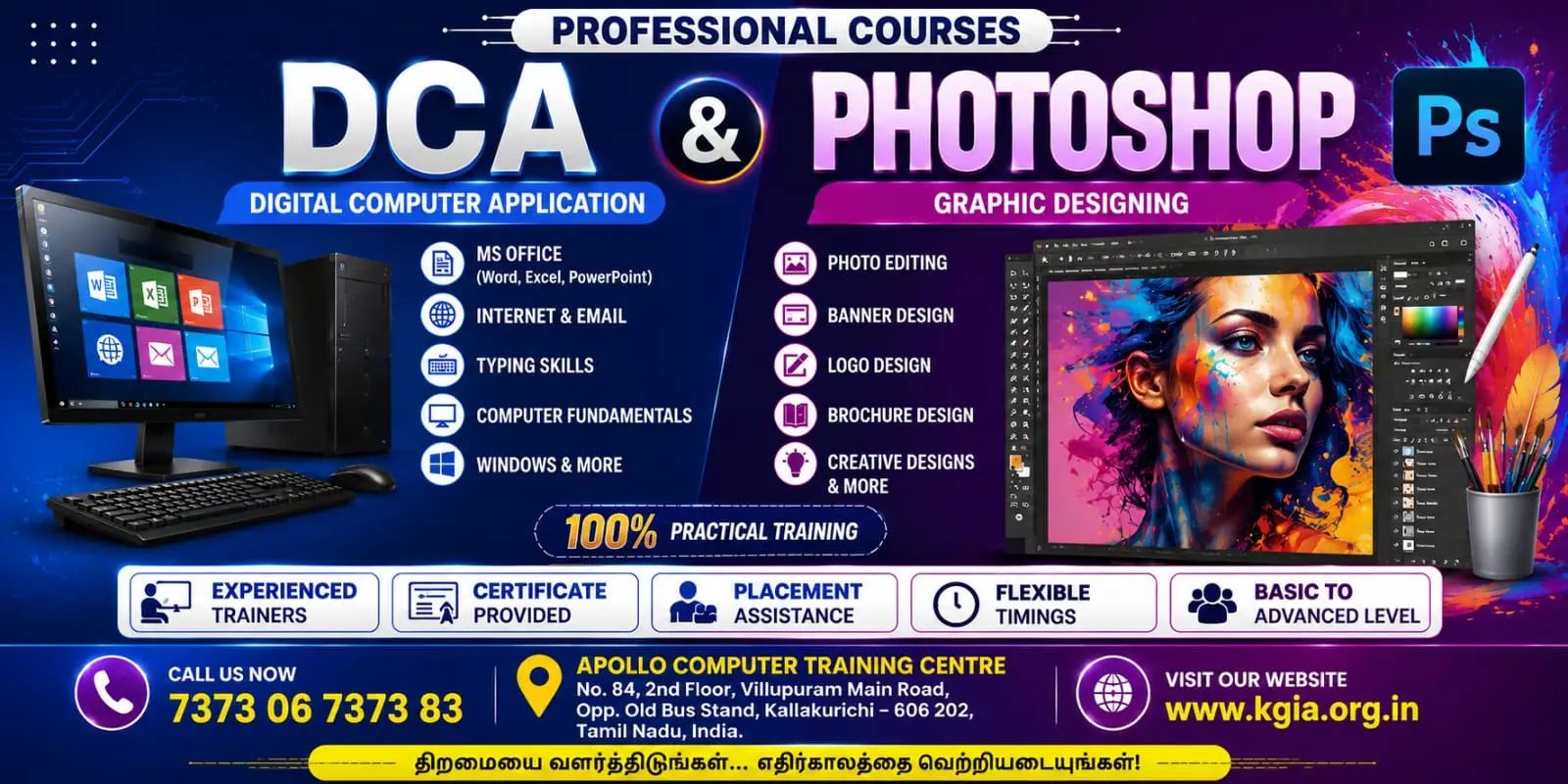
Adobe Photoshop is a professional image editing and graphic design software used to create, edit, enhance, and manipulate digital images. It provides tools for photo retouching, background removal, image composition, color correction, typography, digital artwork, and creative designs.

Key areas covered:

  • Image editing and retouching
  • Layers and layer masks
  • Selection and background removal
  • Color correction and image enhancement
  • Text and typography
  • Photo manipulation and compositing
  • Filters and special effects
  • Logo, poster, banner and social-media design
  • Image resizing and optimization
  • Exporting images for print and digital media 


Show More

Course Syllabus

Module 1: Introduction to Adobe Photoshop

  • Introduction to Photoshop and its applications
  • Photoshop interface and workspace
  • Creating, opening and saving documents
  • Image formats: JPG, PNG, GIF, TIFF, PSD
  • Image size, resolution and canvas size
  • Zoom, hand and navigation tools

Module 2: Selection & Basic Editing

  • Marquee and Lasso tools
  • Magic Wand and Quick Selection
  • Object Selection Tool
  • Move, Crop and Transform tools
  • Copy, paste and duplicate objects
  • Free Transform and Warp
  • Undo, redo and history

Module 3: Layers & Layer Management

  • Understanding layers
  • Creating, deleting and duplicating layers
  • Layer properties and opacity
  • Layer blending modes
  • Grouping and organizing layers
  • Layer styles and effects
  • Smart Objects

Module 4: Drawing & Painting Tools

  • Brush Tool and Brush settings
  • Pencil Tool
  • Eraser Tool
  • Gradient Tool
  • Paint Bucket Tool
  • Shapes and Custom Shapes
  • Creating simple digital artwork

Module 5: Photo Retouching & Enhancement

  • Spot Healing Brush
  • Healing Brush and Patch Tool
  • Clone Stamp Tool
  • Red Eye correction
  • Skin retouching
  • Removing unwanted objects
  • Sharpening and image enhancement

Module 6: Color Correction & Adjustment

  • Understanding RGB and CMYK
  • Brightness and Contrast
  • Levels and Curves
  • Hue/Saturation
  • Color Balance
  • Exposure and Vibrance
  • Black & White effects
  • Adjustment Layers

Module 7: Background Removal & Image Manipulation

  • Removing backgrounds
  • Layer masks
  • Clipping masks
  • Pen Tool for accurate selection
  • Replacing backgrounds
  • Combining multiple images
  • Creating photo compositions

Module 8: Text & Typography

  • Type Tool and text layers
  • Character and paragraph formatting
  • Fonts, size, spacing and alignment
  • Text effects and styles
  • Creating posters and advertisements
  • Creative typography designs

Module 9: Graphic Design Projects

  • Logo design basics
  • Visiting card design
  • Poster design
  • Flyer and brochure design
  • Social media post design
  • YouTube thumbnail design
  • Web banners and advertisements
  • Photo collage design

Module 10: Advanced Photoshop & Final Projects

  • Advanced masking techniques
  • Advanced photo manipulation
  • Double exposure effect
  • Creative lighting and effects
  • Professional image composition
  • Print and web optimization
  • Exporting designs for different purposes
  • Final practical project

Practical Projects

  1. Photo retouching project
  2. Background removal and replacement
  3. Passport/photo ID editing
  4. Visiting card design
  5. Poster design
  6. Social media advertisement
  7. YouTube thumbnail
  8. Photo collage
  9. Creative photo manipulation
  10. Final graphic design project


Eligibility

Who can apply for this course

8TH PASS

Course Fees

Course Fees
:
₹20500/-
Discounted Fees
:
₹ 6000/-
Course Duration
:
2 Months

Review

0.0
Course Rating (0 reviews)
0%
0%
0%
0%
0%


Call
Text Message
Review
Email
CHAT