What you'll learn
Higher Diploma in Computer Applications (HDCA) – Description
Higher Diploma in Computer Applications (HDCA) is a comprehensive computer application course designed to provide students with advanced practical knowledge of computer operations, office automation, accounting, programming, database management, web technologies, and digital applications.
The course develops both theoretical understanding and hands-on computer skills, enabling learners to confidently use industry-standard software and perform various administrative, accounting, data management, and IT-related tasks. It is suitable for students, job seekers, office professionals, and individuals looking to build a career in the computer and IT sector.
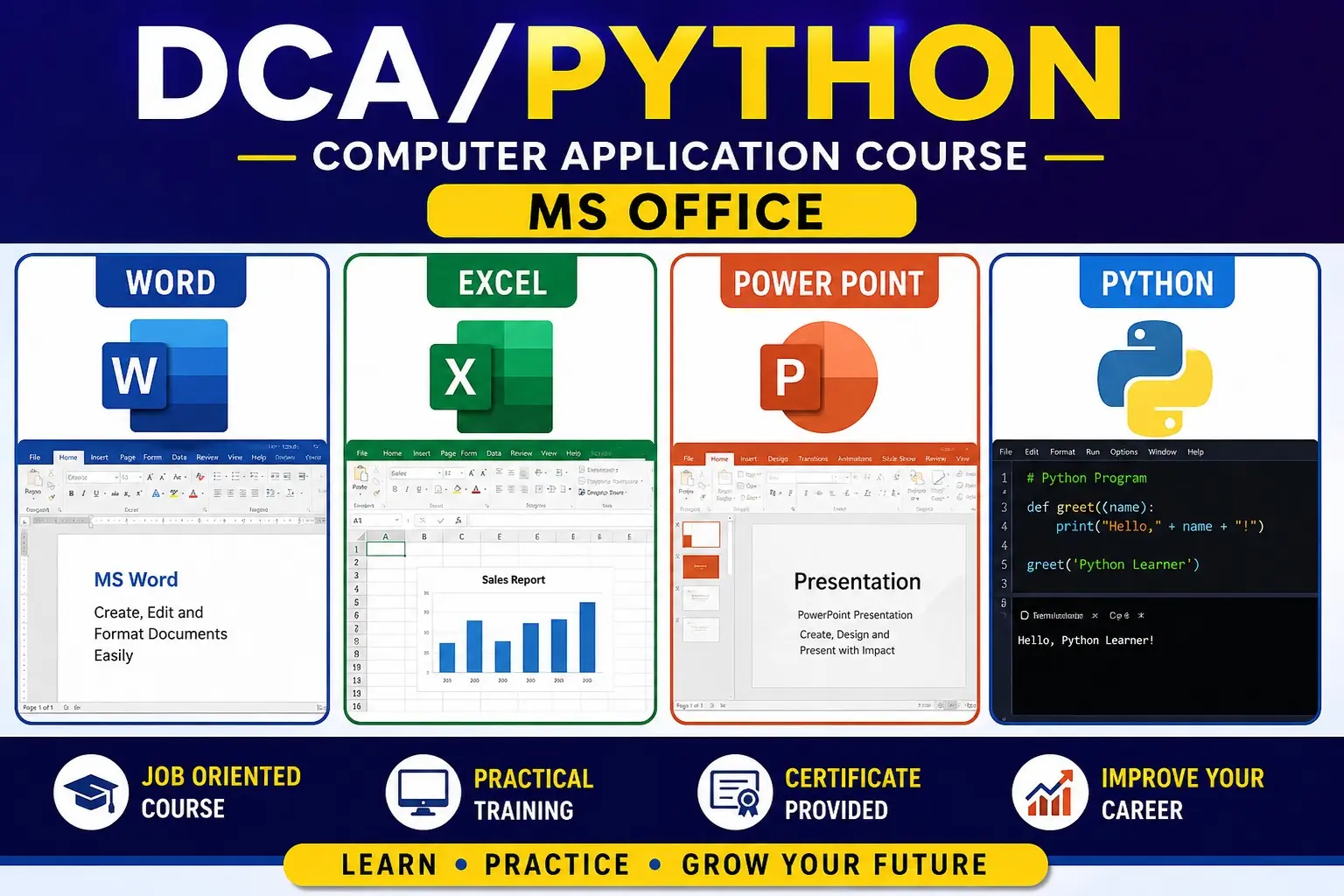
Key areas covered include: Computer Fundamentals, MS Office, Internet & Digital Skills, Tally/Accounting, Database Management, Programming Fundamentals, Web Designing, Graphic Applications, and practical project work.
Show More
Course Syllabus
Higher Diploma in Computer Applications (HDCA) – Syllabus
Suggested Duration: 12 Months / 600 Hours
Level: Higher Diploma
Mode: Theory + Practical + Project
ModuleSubject / ModuleHours1Computer Fundamentals & Operating Systems402MS Office & Office Automation803Advanced MS Excel & Data Analysis604Internet, Email & Digital Services305Programming Fundamentals – C / C++606Python Programming607Database Management – SQL & MySQL608Web Designing – HTML, CSS & JavaScript709Tally Prime & Computerized Accounting5010Computer Hardware & Networking Basics4011Cyber Security & Data Protection3012Project & Viva20Total600 Hours
1. Computer Fundamentals & Operating Systems – 40 Hours
- Introduction to computers
- History and generations of computers
- Types of computers
- CPU, memory and storage devices
- Input and output devices
- Number systems
- File and folder management
- Windows operating system
- Software and application programs
- Basic troubleshooting
2. MS Office & Office Automation – 80 Hours
MS Word
- Document creation and formatting
- Tables, images and shapes
- Page layout
- Headers and footers
- Mail merge
- Templates
- Printing and PDF
MS PowerPoint
- Presentation creation
- Themes and layouts
- Animations and transitions
- Charts, SmartArt and multimedia
- Presentation techniques
MS Outlook / Email
- Email management
- Contacts and calendar
- Professional email practices
3. Advanced MS Excel & Data Analysis – 60 Hours
- Workbook and worksheet management
- Formatting and data validation
- Basic and advanced formulas
- IF, SUMIF, COUNTIF, VLOOKUP/XLOOKUP
- INDEX and MATCH
- Conditional formatting
- Sorting and filtering
- Pivot Tables
- Pivot Charts
- Dashboards
- Data analysis
- Practical business projects
4. Internet, Email & Digital Services – 30 Hours
- Internet fundamentals
- Web browsers and search techniques
- Email
- Cloud storage
- Google Workspace basics
- Online forms
- Digital payments
- E-governance services
- Digital signatures
- Safe internet practices
5. Programming Fundamentals – C / C++ – 60 Hours
- Programming concepts
- Algorithms and flowcharts
- Variables and data types
- Operators
- Input/output
- Conditional statements
- Loops
- Arrays
- Functions
- Strings
- Pointers
- Structures
- Object-oriented programming basics
- Practical programs
6. Python Programming – 60 Hours
- Introduction to Python
- Installation and IDEs
- Variables and data types
- Operators
- Input/output
- Conditional statements
- Loops
- Lists, tuples, sets and dictionaries
- Functions
- Modules and packages
- Exception handling
- File handling
- Object-oriented programming
- Basic database connectivity
- Mini projects
7. Database Management – SQL & MySQL – 60 Hours
- Database concepts
- DBMS and RDBMS
- Tables, records and fields
- Database creation
- SQL commands
- SELECT, INSERT, UPDATE and DELETE
- WHERE, ORDER BY and GROUP BY
- Joins
- Primary and foreign keys
- Constraints
- Views
- Basic database security
- Practical database project
8. Web Designing – HTML, CSS & JavaScript – 70 Hours
HTML
- Web fundamentals
- HTML structure
- Text, links and images
- Tables and forms
- Multimedia
- Semantic HTML
CSS
- Selectors
- Colors and fonts
- Box model
- Layout
- Flexbox
- Responsive design
JavaScript
- Variables
- Functions
- Events
- Conditions and loops
- DOM basics
- Form validation
- Interactive webpages
Project
- Develop a responsive website.
9. Tally Prime & Computerized Accounting – 50 Hours
- Accounting fundamentals
- Company creation
- Ledger and groups
- Voucher entry
- Sales and purchase
- Receipt and payment
- Inventory management
- GST basics
- Bank reconciliation
- Payroll basics
- Financial reports
- Practical accounting project
10. Computer Hardware & Networking Basics – 40 Hours
- Computer components
- Motherboard and processor
- RAM and storage
- Printers and peripherals
- Operating system installation
- Basic troubleshooting
- Networking concepts
- LAN, WAN and WLAN
- IP addresses
- Routers and switches
- Network troubleshooting
- Basic hardware maintenance
11. Cyber Security & Data Protection – 30 Hours
- Cyber security fundamentals
- Common cyber threats
- Malware and phishing
- Password security
- Two-factor authentication
- Safe browsing
- Data backup
- Privacy protection
- Social engineering awareness
- Basic network security
- Cyber safety practices
12. Project & Viva – 20 Hours
Students can complete a project such as:
- Business website
- Student management system
- Inventory management system
- Billing and accounting system
- Python application
- Excel dashboard
- Database application
- Digital office automation project
Expected Course Outcomes
After completing Higher Diploma in Computer Applications (HDCA), students should be able to:
- Operate computers and office applications professionally.
- Prepare documents, spreadsheets and presentations.
- Perform advanced Excel-based data analysis.
- Develop basic applications using Python/C++.
- Create and manage databases using SQL/MySQL.
- Design responsive websites using HTML, CSS and JavaScript.
- Perform computerized accounting using Tally Prime.
- Understand basic computer hardware and networking.
- Apply essential cyber-security and data-protection practices.
- Complete computer-based office and business projects independently.
Possible Job Roles: Computer Operator, Data Entry Operator, Office Automation Executive, Computer Application Assistant, Junior Web Designer, Junior Python Programmer, MIS Executive, Tally Accounts Assistant, IT Support Assistant, and Database Assistant.
Higher Diploma in Computer Applications (HDCA) – Syllabus
Suggested Duration: 12 Months / 600 Hours
Level: Higher Diploma
Mode: Theory + Practical + Project
ModuleSubject / ModuleHours1Computer Fundamentals & Operating Systems402MS Office & Office Automation803Advanced MS Excel & Data Analysis604Internet, Email & Digital Services305Programming Fundamentals – C / C++606Python Programming607Database Management – SQL & MySQL608Web Designing – HTML, CSS & JavaScript709Tally Prime & Computerized Accounting5010Computer Hardware & Networking Basics4011Cyber Security & Data Protection3012Project & Viva20Total600 Hours
1. Computer Fundamentals & Operating Systems – 40 Hours
- Introduction to computers
- History and generations of computers
- Types of computers
- CPU, memory and storage devices
- Input and output devices
- Number systems
- File and folder management
- Windows operating system
- Software and application programs
- Basic troubleshooting
2. MS Office & Office Automation – 80 Hours
MS Word
- Document creation and formatting
- Tables, images and shapes
- Page layout
- Headers and footers
- Mail merge
- Templates
- Printing and PDF
MS PowerPoint
- Presentation creation
- Themes and layouts
- Animations and transitions
- Charts, SmartArt and multimedia
- Presentation techniques
MS Outlook / Email
- Email management
- Contacts and calendar
- Professional email practices
3. Advanced MS Excel & Data Analysis – 60 Hours
- Workbook and worksheet management
- Formatting and data validation
- Basic and advanced formulas
- IF, SUMIF, COUNTIF, VLOOKUP/XLOOKUP
- INDEX and MATCH
- Conditional formatting
- Sorting and filtering
- Pivot Tables
- Pivot Charts
- Dashboards
- Data analysis
- Practical business projects
4. Internet, Email & Digital Services – 30 Hours
- Internet fundamentals
- Web browsers and search techniques
- Email
- Cloud storage
- Google Workspace basics
- Online forms
- Digital payments
- E-governance services
- Digital signatures
- Safe internet practices
5. Programming Fundamentals – C / C++ – 60 Hours
- Programming concepts
- Algorithms and flowcharts
- Variables and data types
- Operators
- Input/output
- Conditional statements
- Loops
- Arrays
- Functions
- Strings
- Pointers
- Structures
- Object-oriented programming basics
- Practical programs
6. Python Programming – 60 Hours
- Introduction to Python
- Installation and IDEs
- Variables and data types
- Operators
- Input/output
- Conditional statements
- Loops
- Lists, tuples, sets and dictionaries
- Functions
- Modules and packages
- Exception handling
- File handling
- Object-oriented programming
- Basic database connectivity
- Mini projects
7. Database Management – SQL & MySQL – 60 Hours
- Database concepts
- DBMS and RDBMS
- Tables, records and fields
- Database creation
- SQL commands
- SELECT, INSERT, UPDATE and DELETE
- WHERE, ORDER BY and GROUP BY
- Joins
- Primary and foreign keys
- Constraints
- Views
- Basic database security
- Practical database project
8. Web Designing – HTML, CSS & JavaScript – 70 Hours
HTML
- Web fundamentals
- HTML structure
- Text, links and images
- Tables and forms
- Multimedia
- Semantic HTML
CSS
- Selectors
- Colors and fonts
- Box model
- Layout
- Flexbox
- Responsive design
JavaScript
- Variables
- Functions
- Events
- Conditions and loops
- DOM basics
- Form validation
- Interactive webpages
Project
- Develop a responsive website.
9. Tally Prime & Computerized Accounting – 50 Hours
- Accounting fundamentals
- Company creation
- Ledger and groups
- Voucher entry
- Sales and purchase
- Receipt and payment
- Inventory management
- GST basics
- Bank reconciliation
- Payroll basics
- Financial reports
- Practical accounting project
10. Computer Hardware & Networking Basics – 40 Hours
- Computer components
- Motherboard and processor
- RAM and storage
- Printers and peripherals
- Operating system installation
- Basic troubleshooting
- Networking concepts
- LAN, WAN and WLAN
- IP addresses
- Routers and switches
- Network troubleshooting
- Basic hardware maintenance
11. Cyber Security & Data Protection – 30 Hours
- Cyber security fundamentals
- Common cyber threats
- Malware and phishing
- Password security
- Two-factor authentication
- Safe browsing
- Data backup
- Privacy protection
- Social engineering awareness
- Basic network security
- Cyber safety practices
12. Project & Viva – 20 Hours
Students can complete a project such as:
- Business website
- Student management system
- Inventory management system
- Billing and accounting system
- Python application
- Excel dashboard
- Database application
- Digital office automation project
Expected Course Outcomes
After completing Higher Diploma in Computer Applications (HDCA), students should be able to:
- Operate computers and office applications professionally.
- Prepare documents, spreadsheets and presentations.
- Perform advanced Excel-based data analysis.
- Develop basic applications using Python/C++.
- Create and manage databases using SQL/MySQL.
- Design responsive websites using HTML, CSS and JavaScript.
- Perform computerized accounting using Tally Prime.
- Understand basic computer hardware and networking.
- Apply essential cyber-security and data-protection practices.
- Complete computer-based office and business projects independently.
Possible Job Roles: Computer Operator, Data Entry Operator, Office Automation Executive, Computer Application Assistant, Junior Web Designer, Junior Python Programmer, MIS Executive, Tally Accounts Assistant, IT Support Assistant, and Database Assistant.

 Bestseller